

Why Generic Training Wastes Time
When every employee sits through the same onboarding—shift leads learning cashier basics, stockers memorizing management protocols—training becomes longer than necessary and less effective than it should be. Role-based learning paths cut through this waste by showing each person only the content they need.
New hires often wade through onboarding materials that bear little relevance to their actual role.
When a new cashier sits through shift-lead coaching modules or a shift lead watches product-stocking videos meant for warehouse associates, that's wasted time neither can afford. Research shows new hires often spend their onboarding hours absorbing content that bears no relevance to their actual job responsibilities, creating a troubling gap between training completion and genuine job readiness.
This waste becomes most visible during August hiring peaks, when retailers staff up to meet back-to-school demand. The window between hire date and first busy weekend is short, and every irrelevant module delays the moment a new hire can confidently run a register, handle a return, or close a shift. Role-based learning paths cut that noise by showing cashiers only cashier skills and shift leads only leadership competencies, turning onboarding into a faster, more focused ramp to productivity.
Generic training masks role-specific gaps
When everyone completes the same onboarding sequence, a cashier learns inventory receiving procedures she'll never use, and a shift lead sits through register basics he already knows.
The real problem surfaces later: neither role arrives at full competency on schedule because the content that actually matters for their job got buried in irrelevant modules, delaying readiness by days when August hiring volume demands speed.
Audit Your Current Training Program
August hiring is right around the corner—which makes now the ideal time to audit your existing training program before the back-to-school rush hits. An honest audit exposes where time gets wasted and where role-specific needs get buried under generic requirements, giving you the clarity to build targeted learning paths before you onboard your next wave of cashiers and shift leads.
Start by mapping every module, competency, and checkpoint currently required of all new hires. Open your learning management system or pull out the onboarding checklist and list each course, quiz, shadowing session, and approval step from day one to day thirty. Don't filter yet—just document what every new employee is expected to complete, regardless of role.
Next, identify which modules are role-specific and which are universal:
- Safety protocols, harassment prevention, POS login basics, and brand values belong to everyone.
- Inventory receiving, cash handling limits, opening procedures, and schedule-change authority are not.
Finally, calculate time-to-completion for a cashier versus a shift lead under your current structure. Count the hours from hire to floor-ready for each role using the full checklist. The gap between these numbers shows you the cost of one-size-fits-all training. A cashier who completes the same eighty-hour program as a shift lead is spending twenty to thirty hours on content that doesn't move her closer to confident, independent work—and that delay is expensive when you need bodies on registers during peak traffic.
Your audit findings become your baseline. Measure onboarding time before you implement role-based paths, then measure again after. The difference is your proof of improvement.
Define Role-Specific Competencies
Once you've identified which modules belong where, the next step is breaking down exactly what each position needs to know—and when. For cashiers, that means register operation, payment processing, and customer service fundamentals on day one. Add loss prevention awareness by the end of week one, so new hires understand shrink, proper bagging checks, and what to escalate. These are the must-haves. Everything else—inventory procedures, opening checklists, team scheduling—belongs to shift leads and wastes a cashier's time.
Shift leads need a different set of competencies. Team scheduling, inventory fundamentals, conflict de-escalation, and opening and closing procedures form the core of their role. These tasks require judgment calls and accountability that cashiers don't carry, so training them on register basics is useful but secondary. Their proficiency timeline runs longer—expect week one to cover scheduling and stock counts, with conflict handling and delegation skills building through observation and practice over the first month.
That said, some content applies to everyone. Store systems navigation, compliance training, brand culture, and customer experience standards matter whether someone is running the register or managing the floor. These overlap areas form the foundation of your onboarding program and should be completed before role-specific training begins.
When both roles share the same compliance module and brand-values session, you save time building content and maintain consistent messaging across the team.
The key is segmenting by proficiency level and timeline. Cashiers should be register-ready by day two and handling transactions independently by day five. Shift leads should be confident opening the store solo by week three. If your current training blurs these lines—teaching everyone everything at once—you're delaying the moment when each person can actually do their job. Clear personalized training by job role means faster ramp, fewer mistakes, and new hires who feel capable instead of overwhelmed.

Build Branching Learning Path Structure
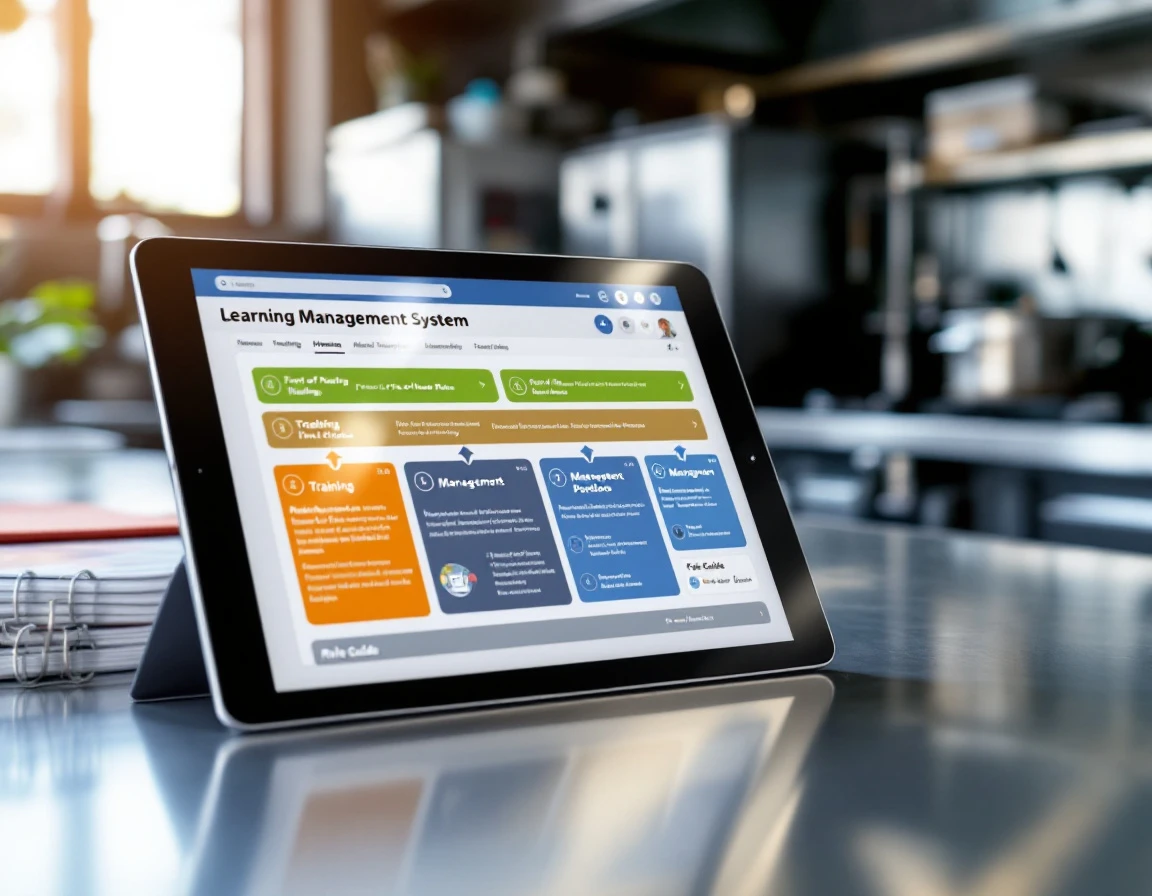
Once you know which content belongs to which role, the next step is setting up the decision point that automatically routes new hires. Most modern LMS platforms allow you to create conditional branching — a rule that reads a new hire's job title or role tag at onboarding entry and loads the right modules into their dashboard without a manager lifting a finger.
Here's how it works in practice. A cashier logs in on day one and sees register certification, payment processing, and loss prevention queued in sequence. A shift lead sees inventory basics, team management, and opening procedures instead. Both paths run in parallel, and both complete in the same time frame — but each person learns only what they need to do their job.
The branching logic lives in your LMS settings. When you create a learning path, you define the trigger: "If job role = Cashier, assign Path A. If job role = Shift Lead, assign Path B." The system handles the rest. No spreadsheet tracking, no manual assignment, no risk that someone gets the wrong modules because a manager forgot to update their checklist.
This automated learning paths by position structure is what enables the time reduction promised by role-based training. When irrelevant content never loads in the first place. Onboarding shrinks from weeks to days — and new hires reach proficiency faster because every module they open directly applies to the work they'll do tomorrow.

Measure Faster Onboarding and Performance
Once your role-based learning paths are live, tracking the right metrics proves the value to senior leadership and shows you where to refine the program. Three KPIs give you a clear picture of impact: time-to-completion by role, first-week performance confidence, and retention by role.
Time-to-completion by role is the clearest measure of onboarding efficiency. Compare how long it takes a cashier to finish their path versus how long it took to complete the old generic program. Role-based paths should reduce onboarding time by 40 to 50 percent, cutting training hours while covering everything that matters for the job. Track this in your LMS dashboard by role, and watch the difference during August staffing peaks when every saved hour means more productive coverage on the floor.
First-week performance confidence scores measure job readiness, not just content consumption. Track task accuracy by role and module—can a new cashier process returns correctly after completing the payment processing path? Can a shift lead handle opening procedures without supervision after finishing their module? These accuracy checks, captured through observation checklists or manager sign-offs, show whether training translates to real capability.
Retention by role tells you if new hires stay. Compare turnover rates for employees who completed their role-specific path against those who didn't or who went through the old program. New hires who finish relevant training feel more confident and stick around longer, especially during high-pressure retail seasons when clarity and competence matter most.
Next Steps: August Implementation
You don't need months of planning to cut onboarding waste before your August hiring wave. Start this week by auditing your current training to map where new hires spend time on content that doesn't match their role—the earlier you identify the waste, the faster you can reclaim those hours before mid-August peak hiring.
Over the next two to three weeks, segment your existing content into role-specific modules. Pull out the cashier-only skills, the shift-lead-only responsibilities, and the universal pieces everyone needs. This segmentation is the missing piece that prevents training waste during peak-season onboarding—without it, every new hire sits through content they'll never use on the floor.
Then configure branching paths in your LMS and pilot the new structure with your first cohort of new hires. Watch their time-to-completion and first-week confidence scores. The data will show you what generic training couldn't: faster ramp, better job readiness, and fewer early exits.
Ready to see how PrepPuffin's branching LMS supports role-based learning paths? Request a demo and start building paths that get new hires productive faster.