

Why visibility fails in hiring at scale
Most mid-sized organizations run onboarding through a patchwork of spreadsheets, forwarded emails, and informal hallway check-ins. A hiring manager wants to know if the three people who started last Monday have finished their compliance training, but there's no single place to look. Without an onboarding dashboard for new hires, HR sent an email with the learning portal link on day one, but whether anyone logged in, completed the modules, or even opened the message remains a mystery until someone thinks to ask.
Without centralized visibility, small problems turn into costly ones. A new hire falls two weeks behind on required certifications, but no one notices until the manager tries to schedule them for a shift they're not yet qualified to work. Another employee skips the product knowledge sessions entirely, and the gap only surfaces when a customer complaint lands on a supervisor's desk. Manual tracking creates blind spots—managers can't tell who attended training, whether competencies were actually assessed, or if onboarding stalled somewhere between the welcome packet and the first real task.
When onboarding experiences vary wildly across managers and departments, ramp times stretch and first-year turnover climbs. The organizations hiring ten or twenty people a quarter can't answer the simplest question: Is this cohort on track?
That uncertainty isn't just frustrating—it's expensive, turning what should be a clear path into guesswork.
What an onboarding dashboard for new hires displays
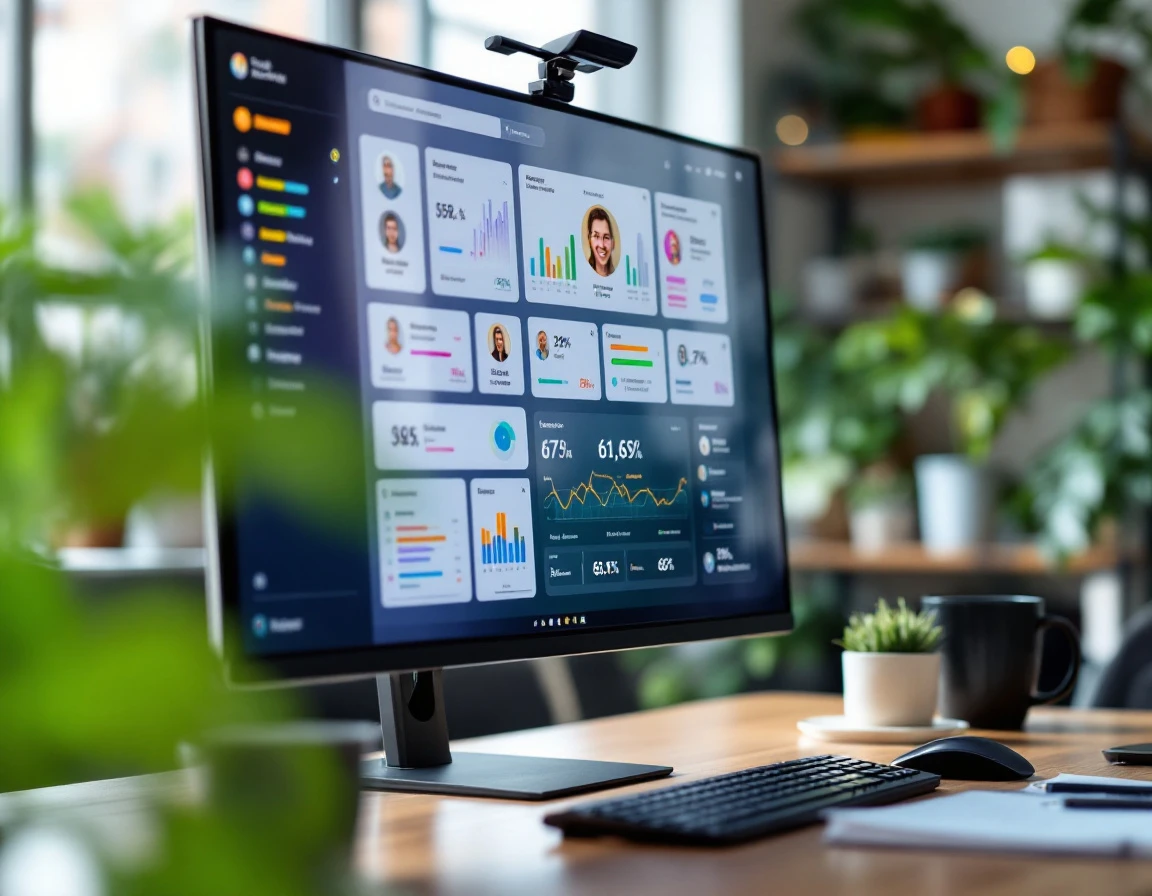
A well-designed onboarding dashboard answers one critical question: Where does each new hire stand against the 90-day integration roadmap?The best dashboards surface four core data layers that turn guesswork into visibility. Task completion status sits at the center—training modules, paperwork, system access grants—displayed at a glance for each cohort or individual. A manager opening the dashboard on Monday morning should immediately see that three new hires in the March cohort haven't completed their Day 3 product knowledge modules, while Sarah is two days ahead of schedule and already logged her first shadowing session.
The second layer tracks manager check-in frequency and notes. Early retention hinges on relationship-building. And the dashboard makes those feedback loops visible. If a new hire hasn't received a structured check-in within the first week, that gap becomes a red flag before it turns into disengagement. Notes captured in these sessions—"needs extra practice on the POS," "confident with customers already"—create a running record that helps managers adjust support in real time instead of waiting for a 30-day review.
Competency assessment results form the third layer. Role-specific skills validation against timeline targets shows whether someone can actually perform the tasks, not just watch the videos. A dashboard might display that Jordan passed the safety knowledge check but hasn't completed the observed forklift operation, creating a clear next step. When assessments lag milestones by more than the planned buffer—say, five days behind on a certification that gates floor work—the dashboard flags it.
The fourth layer is red flags and at-risk indicators. These are the visibility signals that allow HR and managers to catch problems before they snowball. Missed deadlines, incomplete manager touch-points, or stalled progress on critical competencies all surface as alerts. Instead of discovering in Week 8 that someone never got system access or skipped half their training path, the dashboard highlights the issue in Week 2 when there's still time to course-correct and keep the hire on track.
Task completion tracking
The centralized checklist is where theory meets reality. Every onboarding activity—paperwork, training modules, IT system setup, safety orientation—appears as a trackable line item with an owner and a due date. When a manager opens the dashboard, they see real-time status updates. Who has finished each task, who is in progress, and who hasn't started. This visibility turns scattered email threads and spreadsheet guesses into a single source of truth.
Timeline overlays add the context managers need to act. Planned completion dates sit next to actual dates, exposing delays before they cascade. If forty percent of a cohort is stuck on IT provisioning, the dashboard flags it immediately. That pattern isn't busy-work—it's a signal that integration is stalled. Task completion becomes a proxy for readiness. Showing whether someone can actually do their job or is still waiting on access, training, or equipment.
Fast identification of blockers shortens ramp delays. When one task holds up five new hires, fixing it once unblocks everyone downstream.
Manager check-ins and feedback loops
Onboarding is more than finishing a checklist — it's about building the relationship between a new hire and their manager. A dashboard that logs the frequency and sentiment of manager-to-new-hire touchpoints creates accountability for the coaching conversations that actually shape early confidence and capability. When a manager records a brief observation after each check-in, the platform builds a timeline showing whether feedback is happening or whether someone is slipping through the cracks.
The dashboard flags when a manager is overdue for a check-in, preventing the scenario where a new hire completes every task on time but never receives meaningful guidance. Integration with learning progress allows managers to see how feedback translates into task or competency advancement. Closing the loop between coaching and performance.
Employees who feel seen and guided by their manager stay longer — and the dashboard makes that visibility routine, not accidental.
Selecting or building a dashboard for your size
The right dashboard depends less on budget than on hiring pattern. If you bring on a steady trickle of new hires each month—three in January, four in March—an off-the-shelf module built into your existing HR platform or LMS often covers the basics. These tools handle task tracking and progress snapshots without extra setup. But if you hire in seasonal batches or run high-volume onboarding cycles—twenty warehouse associates every quarter, or fifty restaurant staff before summer—you'll want a purpose-built onboarding tool that tracks new hire progress and gives you visibility across cohorts at a glance.
Any dashboard worth using needs four minimum features:
- Role-based access lets trainers, managers, and HR see what's relevant to them without noise.
- A timeline overlay shows planned milestones against actual completion so you can spot delays early.
- Red flag alerts surface at-risk new hires before they disengage.
- A mobile-friendly task view means new hires and frontline managers can check progress from the floor, not just a back-office desktop.
Integration with your existing HRIS or LMS avoids double entry and keeps hire dates, department assignments, and training records in sync. With onboarding tracking software, you understand cohorts, timeline targets, and manager touchpoints. Forcing a general HR dashboard to track onboarding milestones usually means clunky workarounds and manual updates that defeat the purpose of centralized visibility.
The ROI is simple: a tool that shows where each new hire stands and flags problems early pays for itself by shortening ramp time and reducing preventable turnover. Request a demo or explore similar platforms to find the fit for your hiring rhythm.

Turning visibility into action
A dashboard is only valuable if it drives real decisions. When an HR leader opens the onboarding view and sees that two new hires are five days behind on their competency assessments, she doesn't just note it—she reaches out to their managers to understand what's blocking progress and adjusts support before frustration sets in. That kind of immediate intervention is what separates dashboards that sit ignored from tools that actually reduce turnover.
Red flag alerts make early action possible. When the system surfaces "New hire hasn't completed Day 5 onboarding and check-in is overdue," managers can intervene while the problem is still small. A quick conversation uncovers whether the delay is a technology hiccup, a training gap, or a sign of disengagement. Caught early, most issues are fixable.
Dashboard data also informs the structure of 30–60–90-day reviews. Instead of walking into those conversations with vague impressions, managers arrive with concrete evidence: which competencies are lagging, which tasks took longer than expected, and where mentoring made the biggest difference. When a manager spots a skills gap in the data, pairing that new hire with a mentor becomes a targeted fix, not a generic response.
Visibility creates accountability on both sides. Managers know progress is tracked, so onboarding doesn't slip down the priority list. New hires know they're being supported, not left to sink or swim. That mutual awareness tightens the feedback loop.
The best teams iterate based on dashboard trends. If four out of five new hires struggle with the same task or competency, that's a design problem, not a people problem. Redesign the training or clarify the instructions before the next cohort arrives. A real-time onboarding dashboard is the tool that turns data into smarter decisions, faster integration, and fewer regrettable exits.